

Free Image Crop Tool
Crop images with preset aspect ratios and export as PNG, JPEG, or WebP.
Drop your image here
or click to browse — JPG, PNG, WEBP, GIF
Cropping is one of the most common steps between taking a photo and publishing it. Different platforms, thumbnails, and print formats require different aspect ratios, and a photo not cropped to spec gets auto-cropped by the platform in ways you cannot control. Getting it right before uploading keeps your product images sharp and properly framed everywhere they appear.
This tool gives you presets for Instagram (1:1), YouTube thumbnails (16:9), Facebook (4:3), and Stories or Reels (9:16), plus a freeform option for custom dimensions. Drag the crop selection, choose your output format (PNG, JPEG, or WebP), and download. No account, no upload, works on mobile.
For Shopify merchants, clean product images on every channel build trust before a customer clicks buy. Pair your visuals with HypeQR to add scannable QR codes to your printed packaging that link back to the products you are featuring online.
Frequently Asked Questions
Yes. 100% free with no account required, no watermark, and no file size limits.
No. All cropping runs entirely in your browser using the Canvas API. Your image never leaves your device.
Yes. Use the 1:1 preset for Instagram posts, 16:9 for YouTube thumbnails, 4:3 for Facebook, or 9:16 for Stories and Reels.
PNG (lossless), JPEG (smallest file size), and WebP (best compression for web use).
Yes. The tool is fully responsive. Upload a photo from your camera roll and crop it directly in your mobile browser.
Related articles
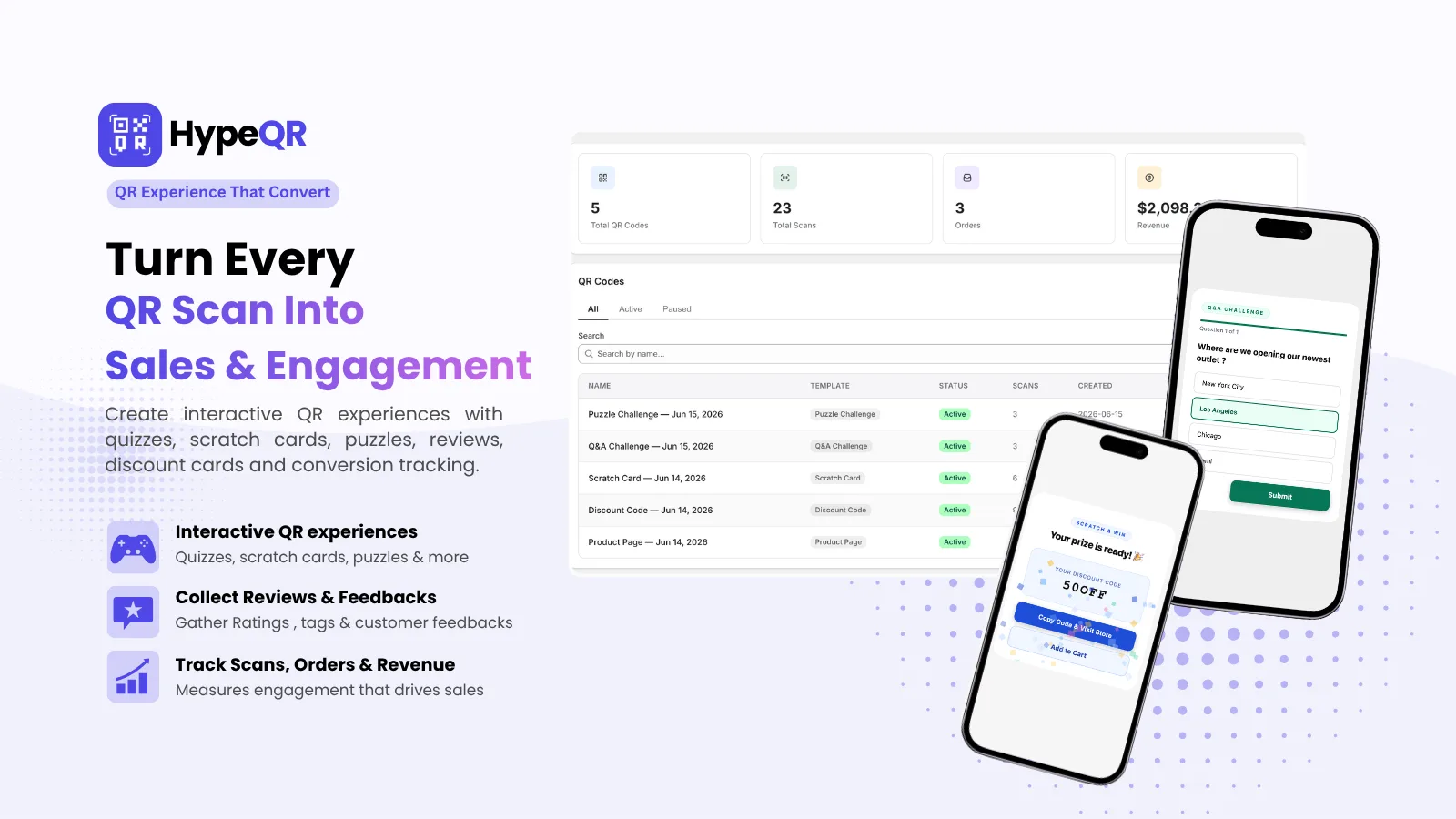
HypeQR: Dynamic QR Codes with Scan Analytics
Track every scan, update the destination without reprinting. Dynamic QR codes for Shopify merchants.
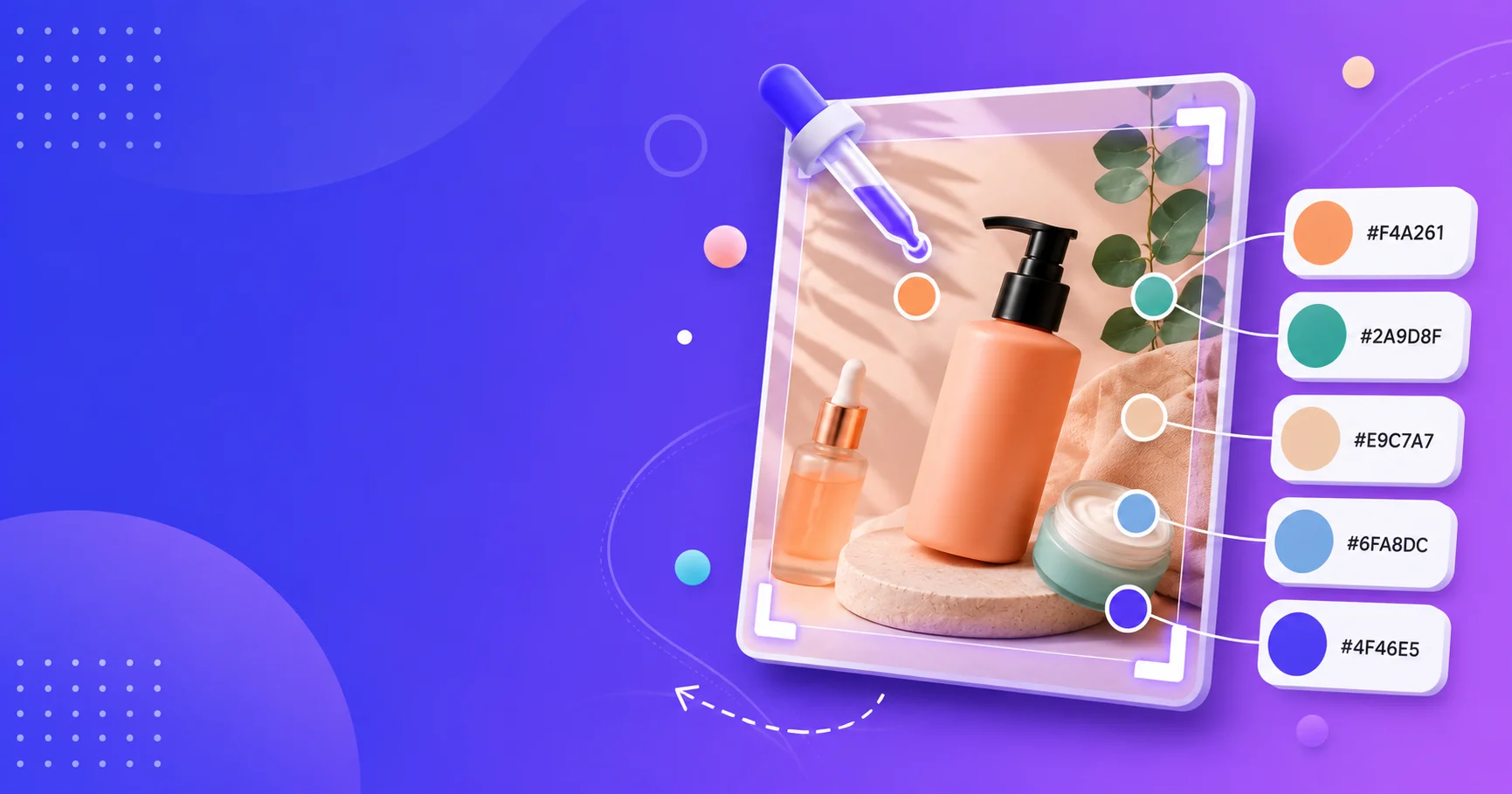
Color Palette Extractor
Upload any image and extract the dominant colors as hex, RGB, and HSL values. Perfect for matching brand colors from product photos. No account, no upload, free forever.

Shopify Image Resizer: All Social Media Sizes Free
Free Shopify image resizer for social media. Resize product photos to Instagram, Facebook, LinkedIn sizes in your browser. No upload, no watermark, no software.