
Free Thank You Card Generator
Design branded thank you cards for Shopify customers with your logo and coupon.
Style
Card Details
Preview (900×600px)
Make the QR interactive
With HypeQR, the QR on this card links to a dynamic Shopify campaign — puzzles, review requests, or coupons. Change it anytime without reprinting.
Learn about HypeQR →A thank you card in the package tells customers you noticed them. It is one of the highest-leverage touches in e-commerce because the customer is already holding your product and is in a positive state of mind. A well-designed card with a coupon code or a personal message increases repeat purchase rate and reduces the chance of a refund or negative review.
This generator lets you add your logo, choose a background color, write a custom message, and include a coupon code. Download as PNG and send to any print shop for postcard-size inserts. Everything runs in your browser, nothing is stored, and there are no limits on how many cards you create.
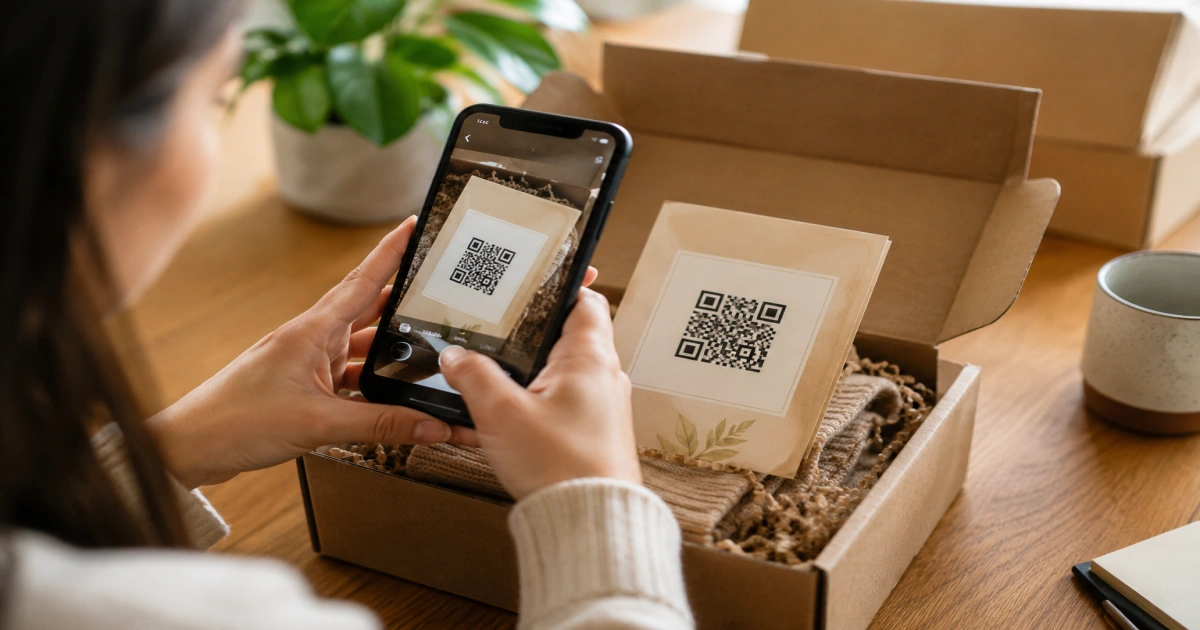
The QR code placeholder on the card is where HypeQR fits in. With HypeQR, that placeholder becomes a live scannable code that tracks how many customers scan, drives reviews or repeat purchases, and can be updated to a new destination after the cards are already printed.
Frequently Asked Questions
Yes. 100% free with no account, no watermark, and no usage limits. Download as many cards as you need.
No. Everything runs in your browser. Your logo, brand color, and message are never sent to any server.
Yes. Enter a coupon code and it will appear on the card with a styled dashed border, making it easy for customers to spot and use.
Cards are generated at 900×600px (3:2 ratio), which matches a standard postcard size and is ideal for printing or inserting into Shopify order packages.
The placeholder shows where a dynamic QR code goes. With HypeQR, the code becomes scannable and links to any page — track how many customers scan it and update the destination anytime without reprinting.
Related reading
Dynamic QR Code Shopify: The Merchant's Tracking Guide
Dynamic QR codes let Shopify merchants track every scan and tie offline marketing to revenue. Learn setup, UTM parameters, and scan tracking in one guide.

Where to Put QR Codes on Your Shopify Store: 5 Ways
Learn where to put QR codes on your Shopify store to drive reviews, reorders, and repeat sales. 5 proven placements for physical product sellers.
HypeQR: Dynamic QR Codes with Scan Analytics
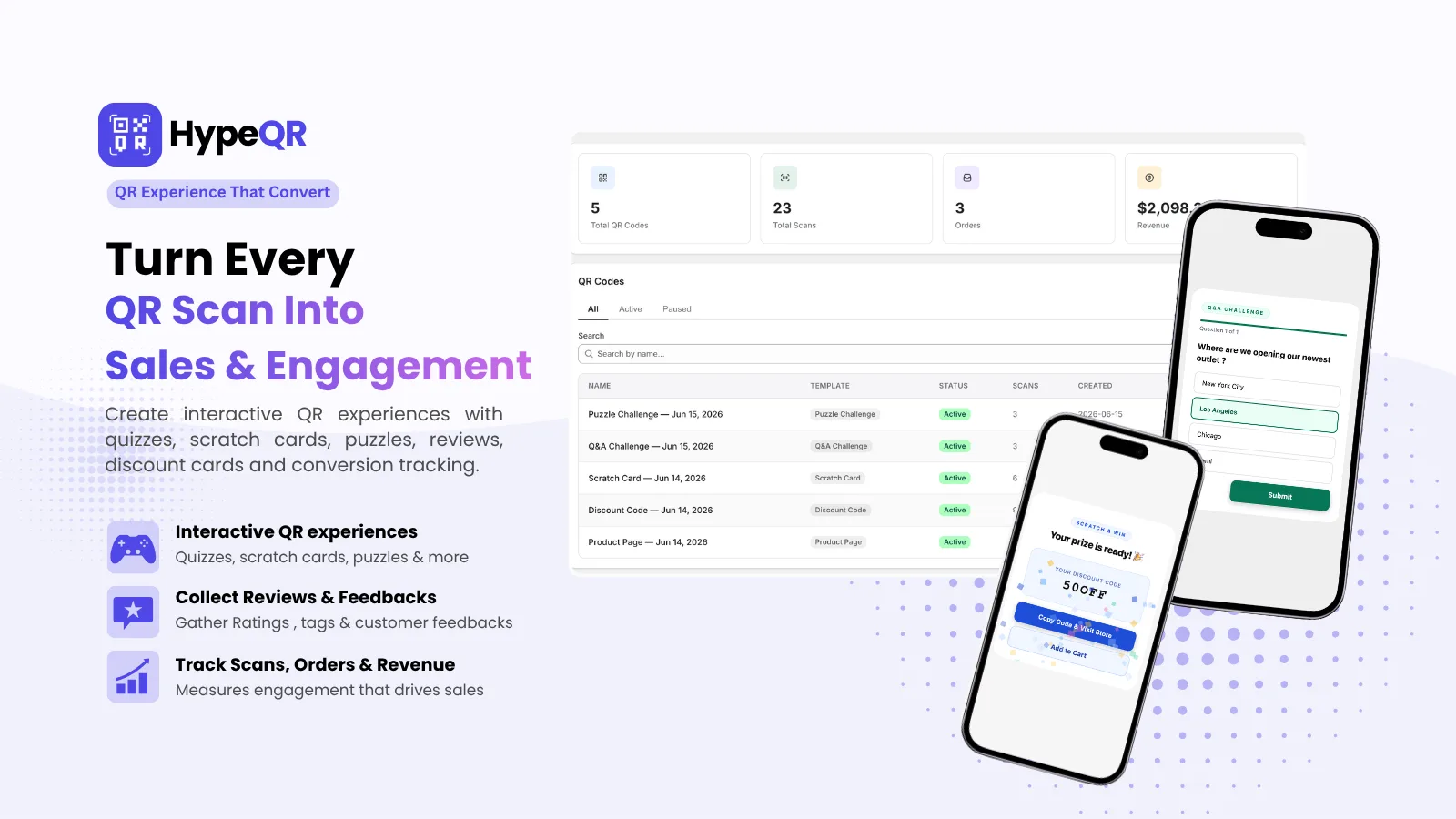
Track every scan, update the destination without reprinting. Dynamic QR codes for Shopify merchants.